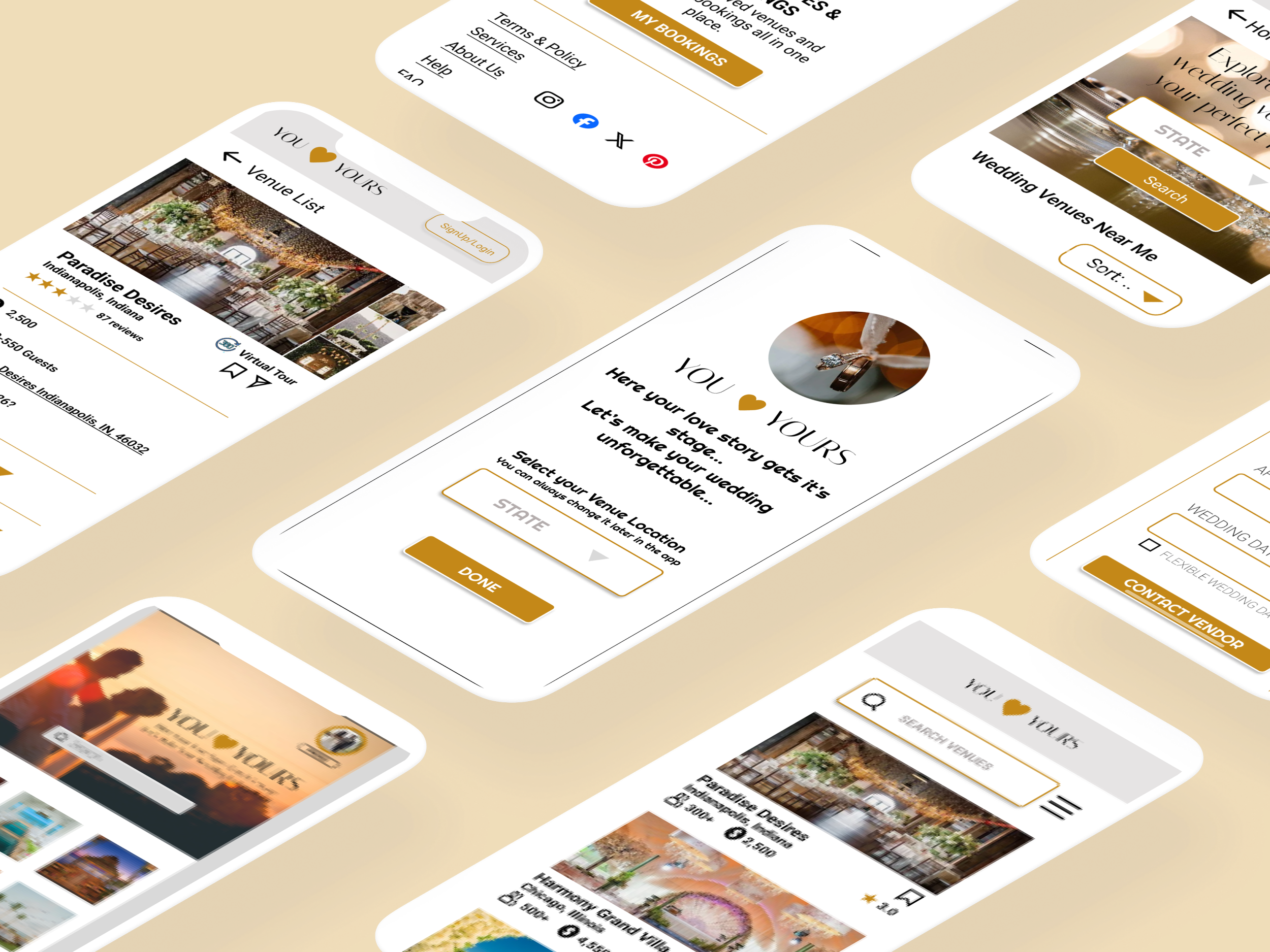
A virtual wedding venue booking experience through You Love Yours App
Busy individuals struggle to visit multiple wedding venues in person.
Users need a way to view, evaluate, and trust a venue before booking.
The traditional venue booking process is time-consuming and inconvenient.
Problem Statement
Busy couple planning their wedding who want a simple and trustworthy booking experience
User Persona

“Allow users to explore and book wedding venues virtually, saving time while giving them confidence in their decision.”
User Goal
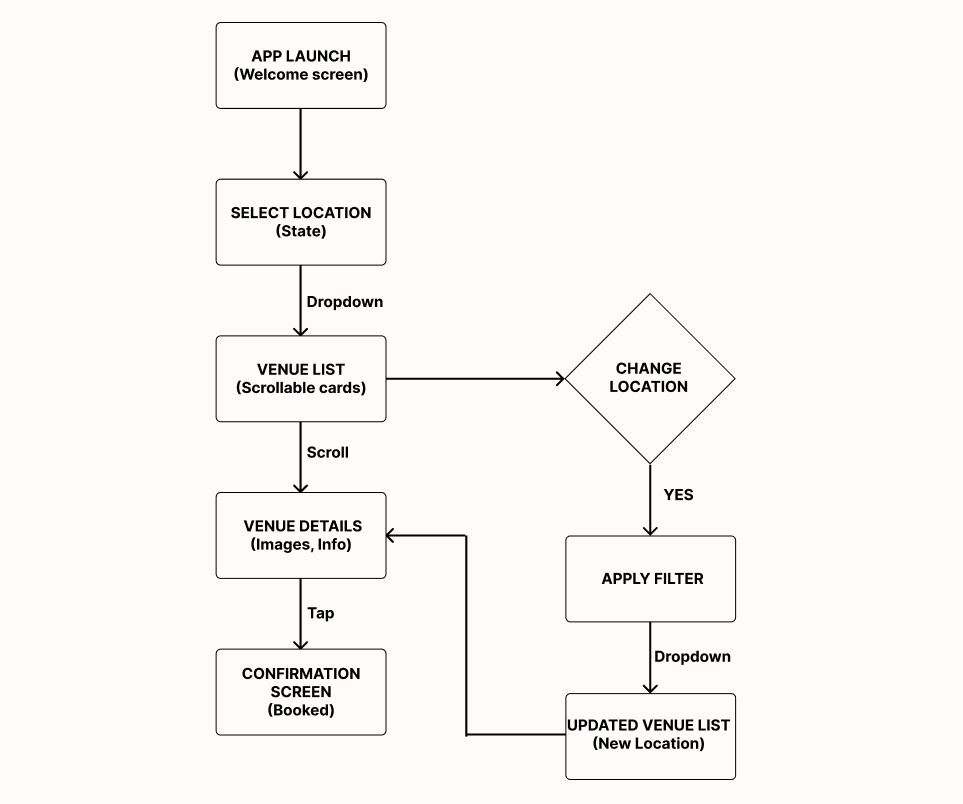
User Flow
Happy Path:
User opens the app
Select the location
Browses venues by location
Views venue details
Saves or books the venue
Edge Case:
User wants to change venue location mid-flow → app allows location change anytime
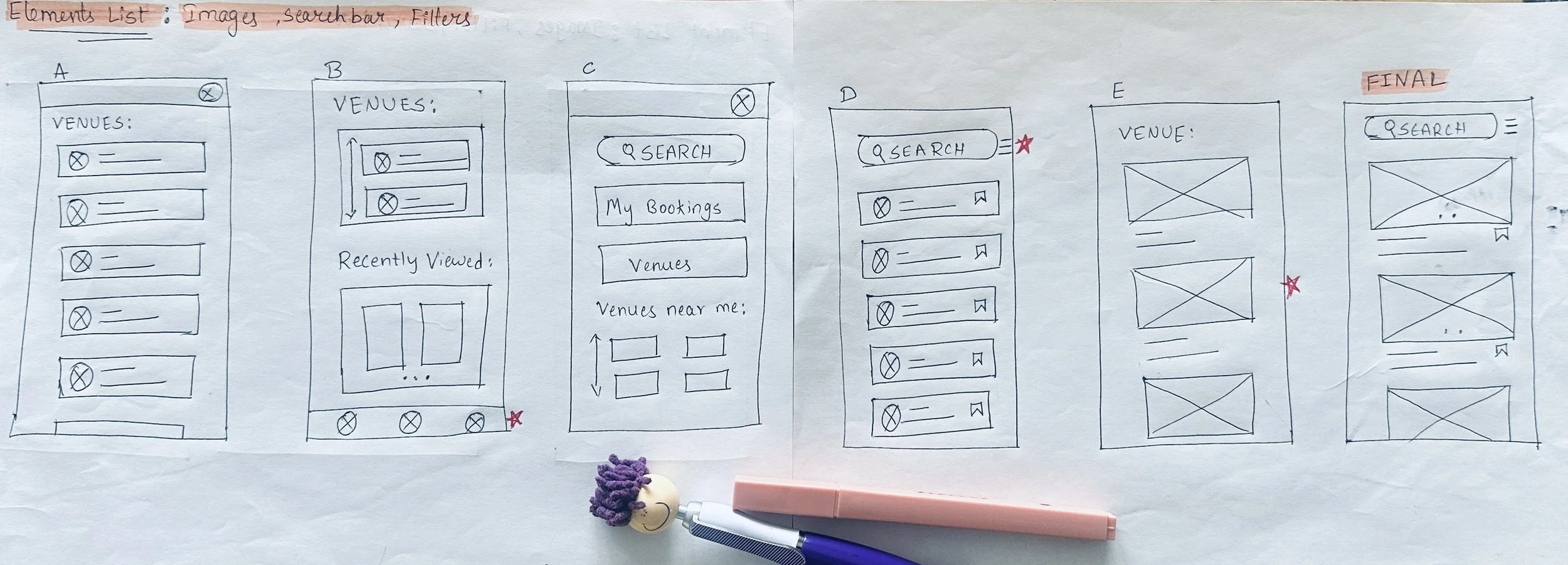
Ideation and Sketching - Elements marked with red stars were selected from five initial sketches and combined to create this final design.
Task-Based Wireframes
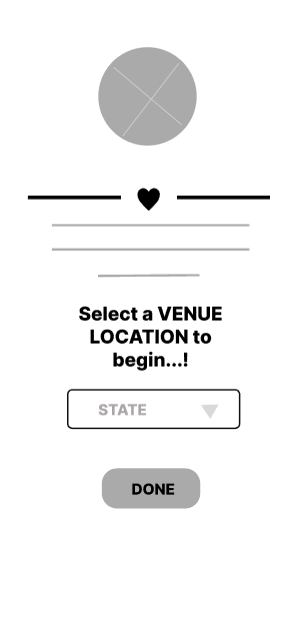
Early state selection ensures the home screen displays relevant venues.
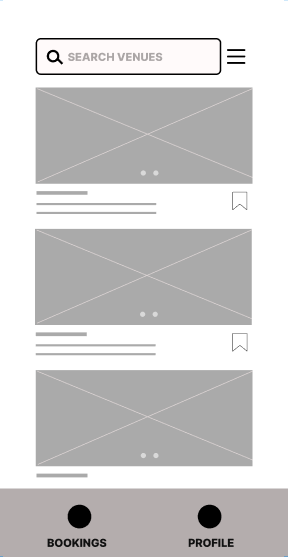
Quick-save on venue cards supports fast shortlisting during browsing.
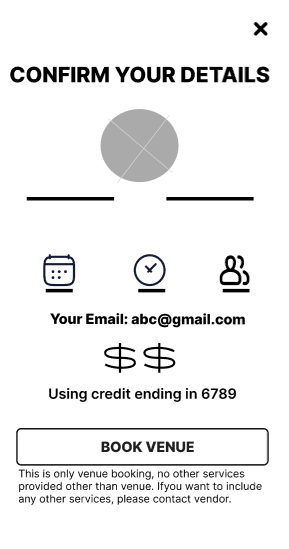
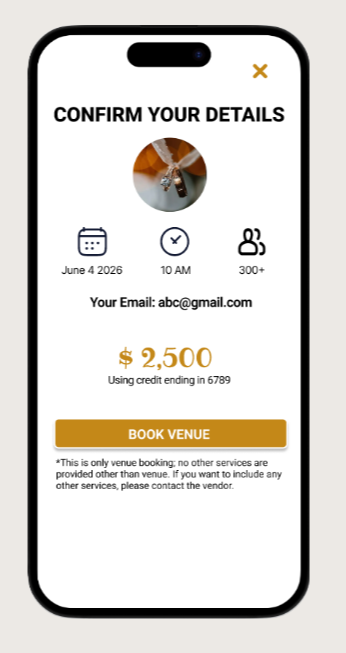
Review step reduces errors and increases user trust before final confirmation.
Usability study
To validate interaction flow and task clarity, I conducted a usability study using low-fidelity prototypes.
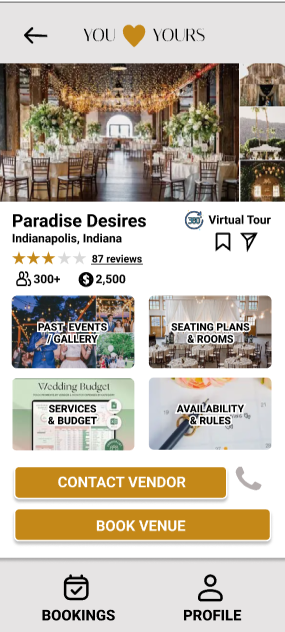
Users wanted a direct venue booking option → Added a “Book Venue” button alongside “Contact Vendor”
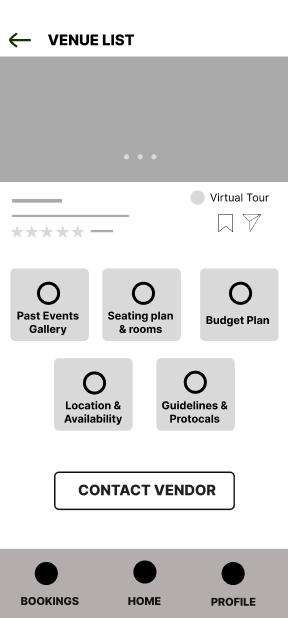
Users felt overwhelmed by too many options on the venue details screen → Reduced categories from five to four
Users wanted flexibility to change location later in the journey → Added a “State” filter option
Before Usability study
After Usability study
After Usability study
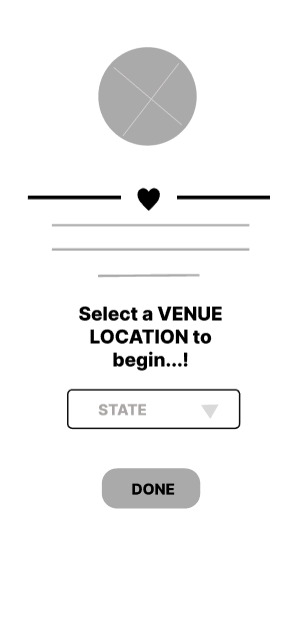
Before Usability study
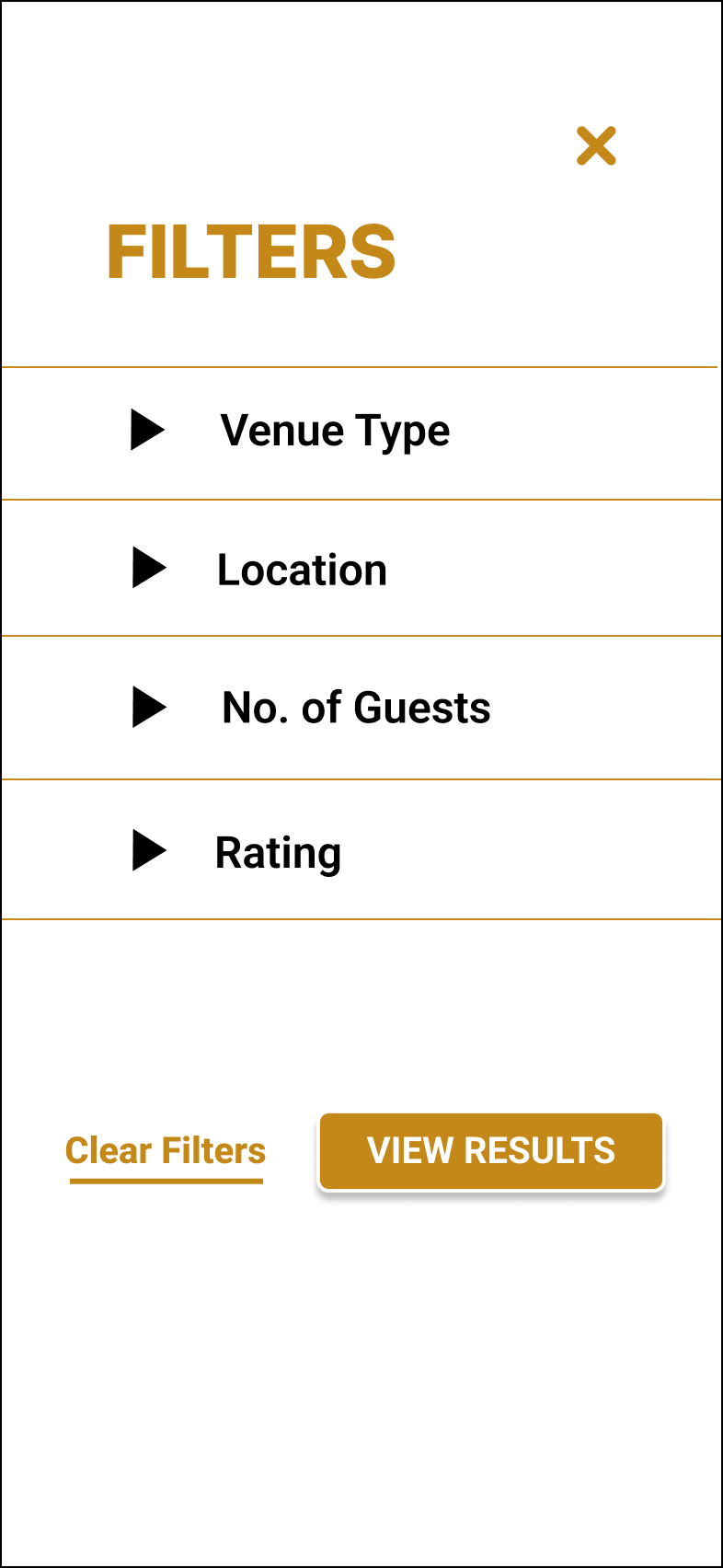
“Good interaction design doesn’t call attention to itself — it simply makes the experience feel effortless.”
Interaction Design
1.Interaction Decisions
Allowing users to select their state at the start ensures relevant venue results upon reaching the home screen.
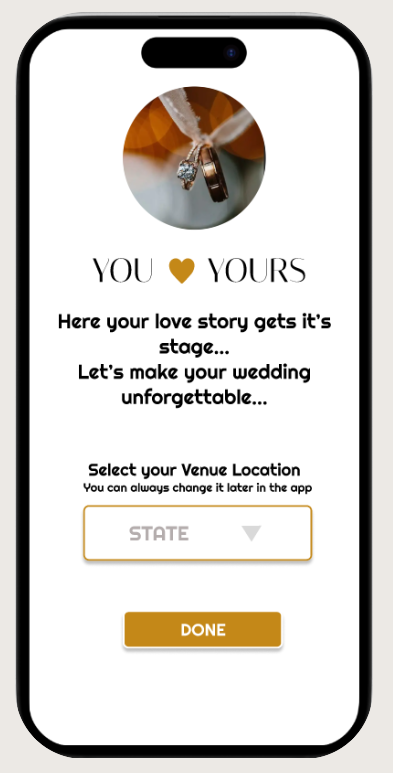
Confirmation messages reassure users when a venue is successfully saved or booked.
“Success”
2.Feedback States
Clear error messaging helps users recover quickly without interrupting their browsing experience.
“Error”
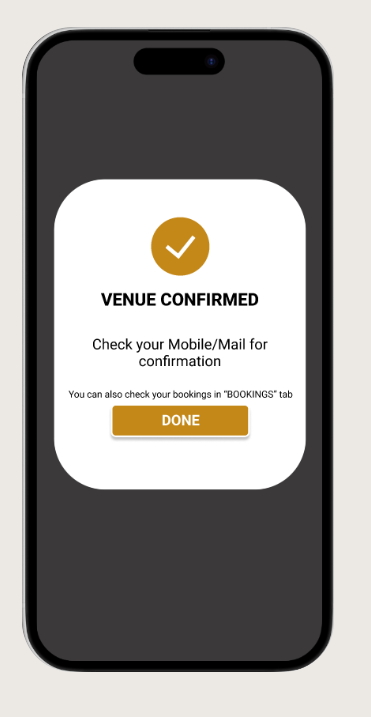
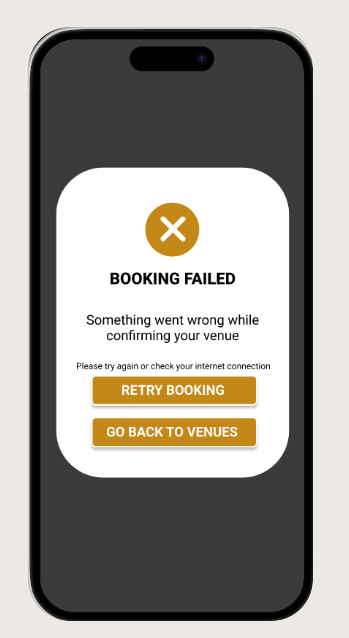
Small, responsive interactions provide immediate feedback and a sense of control.
“Quick Save Interaction”
3.Micro Interactions
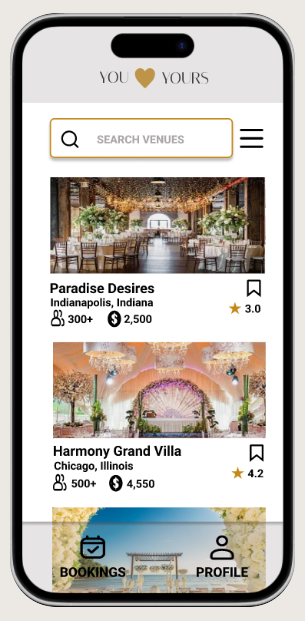
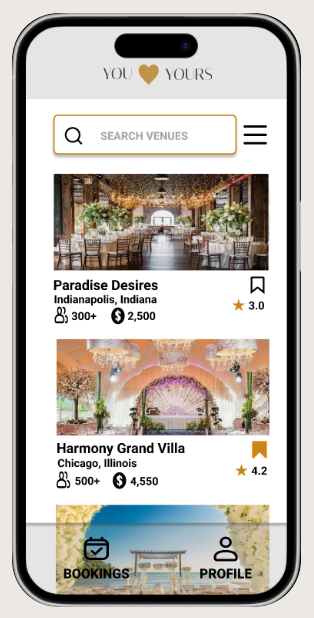
Presenting key booking details before confirmation reduces errors and builds user trust.
4.Trust Building
Interactive Prototype

Reflection & Key Takeaways
This project deepened my focus on interaction-driven design, demonstrating how structured task flows, micro-interactions, and clear feedback directly influence user confidence and usability. It challenged me to think beyond visual aesthetics — designing for how users move, respond, and feel at every step of the experience.
Designing for clarity is more impactful than designing for visual density.
Limiting secondary actions keeps the primary goal dominant.
Immediate validation feedback reduces user uncertainty.